How to write changelogs users actually read
You shipped a feature. You wrote a changelog entry. Nobody read it. Sound familiar? You're not alone. Most changelogs are walls of technical jargon that users scroll past. But it doesn't have to be that way.
A good changelog is a communication tool, not a commit log. It builds trust, drives feature adoption, and reduces support tickets. Here are seven techniques that separate changelogs people read from changelogs people ignore.
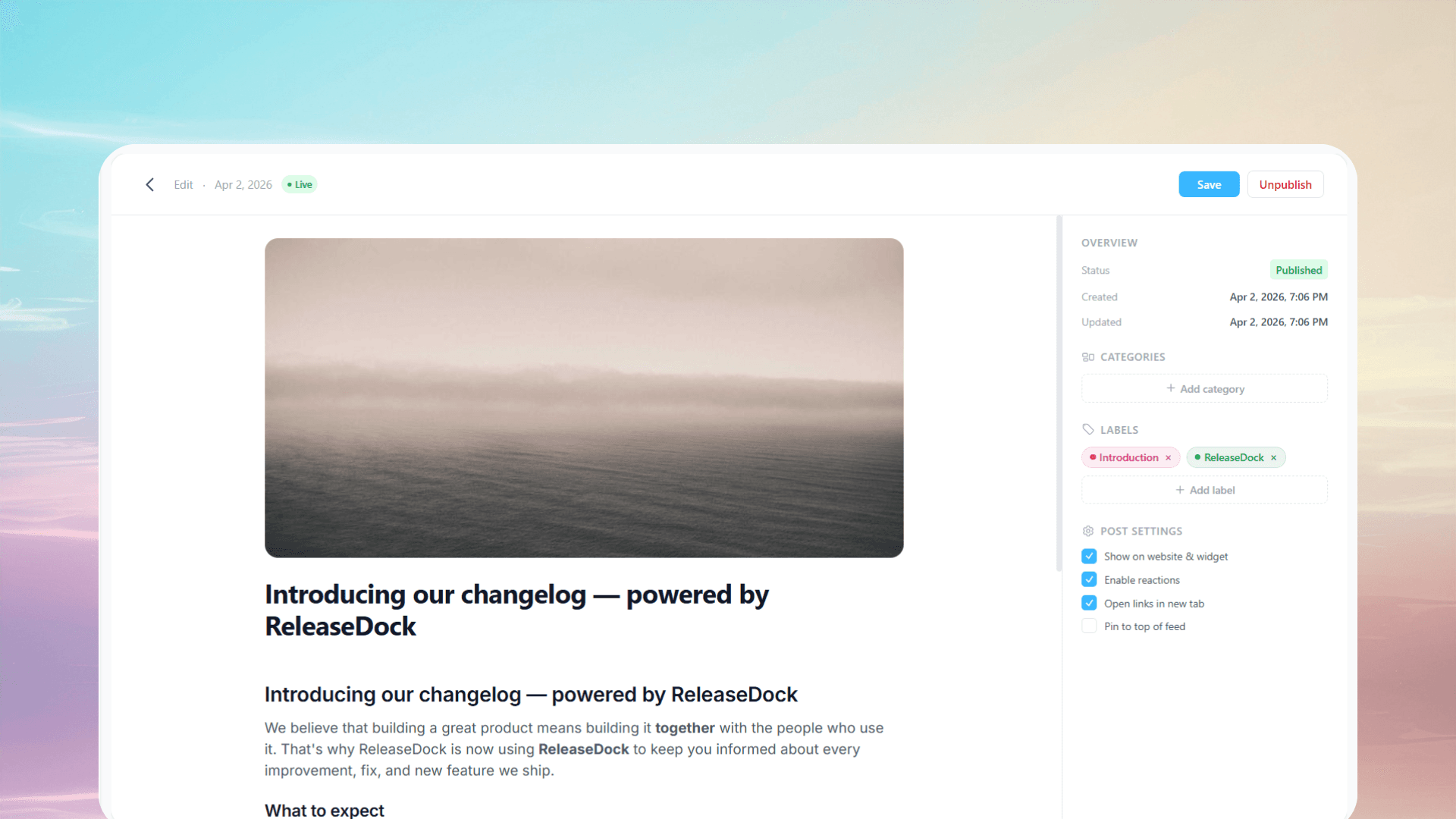
1Lead with the benefit, not the feature
Engineers think in features. Users think in outcomes. Instead of “Added dark mode toggle in settings,” write “Your eyes will thank you — dark mode is here.” The feature is the same. The framing is completely different.
A simple formula: start with what the user can now do (or what pain goes away), then explain the mechanism if it matters.
2Use plain language
Your changelog audience is broader than your engineering team. Product managers, customer success reps, and end users all read it. Drop the jargon. If you must use a technical term, explain it in parentheses.
A good test: read your entry out loud. If it sounds like a pull request description, rewrite it. If it sounds like something you'd say to a customer over coffee, ship it.
3Add a visual
A screenshot or short GIF is worth a thousand words of release notes. Visuals do two things: they prove the feature exists (not vaporware), and they show users exactly where to find it.
You don't need a design team for this. A clean screenshot with a red arrow or a 10-second screen recording is enough. Tools like CleanShot or Loom make this trivial.
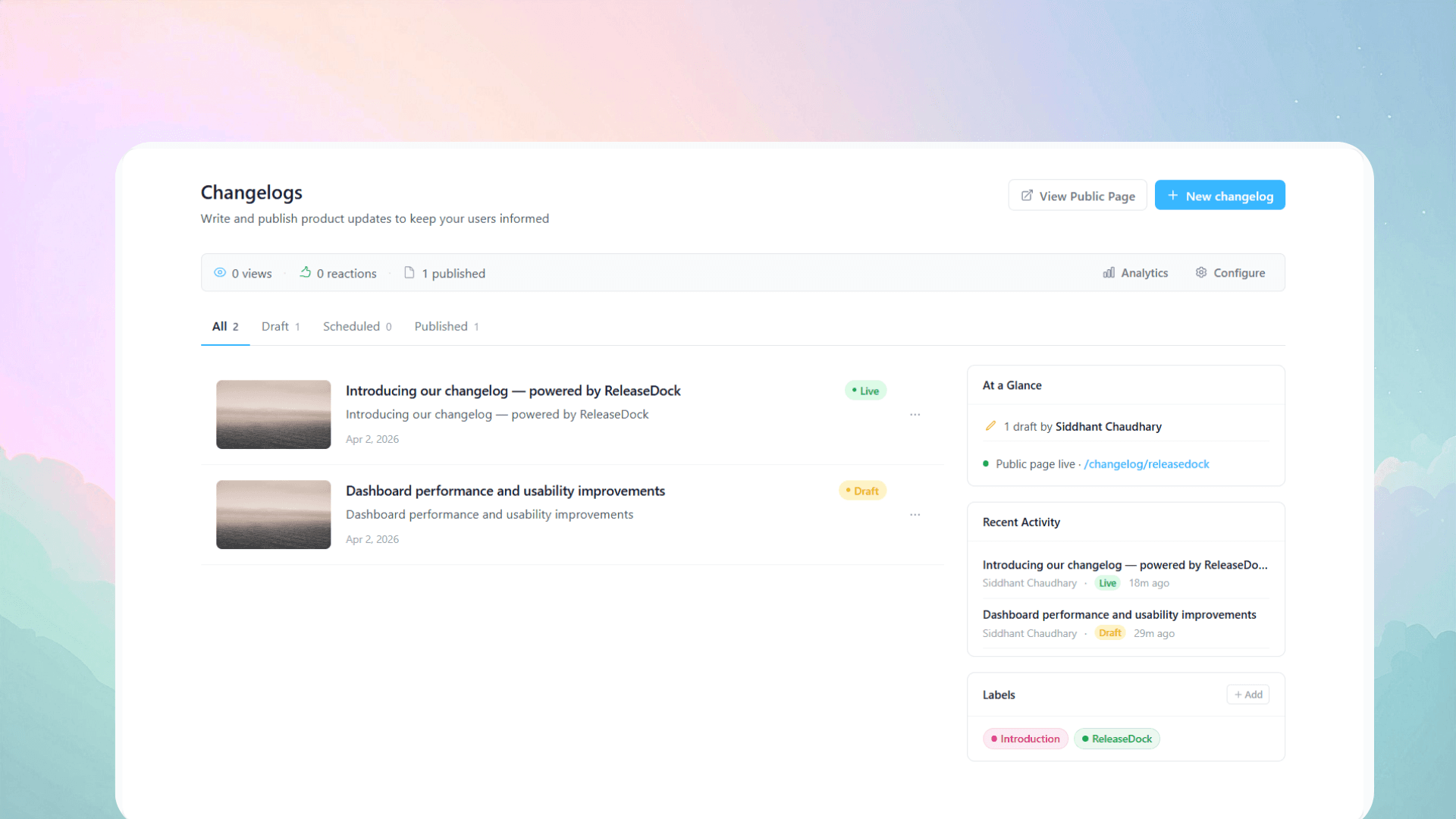
4Categorize with labels
Not every user cares about every update. Labels like “Feature,” “Bugfix,” and “Improvement” let readers scan and filter. Color-coding makes it even faster.
If your product has multiple surfaces (mobile app, API, dashboard), add category tags too. An API developer doesn't need to read about a UI tweak, and vice versa.
5Keep a consistent cadence
The best changelogs are predictable. Whether you publish weekly, biweekly, or per-release, pick a rhythm and stick to it. Users learn to check in, and the habit compounds.
Batching small changes into a weekly roundup is often better than publishing every tiny fix individually. It respects your readers' attention and makes each entry feel more substantial.
6Deliver it where users already are
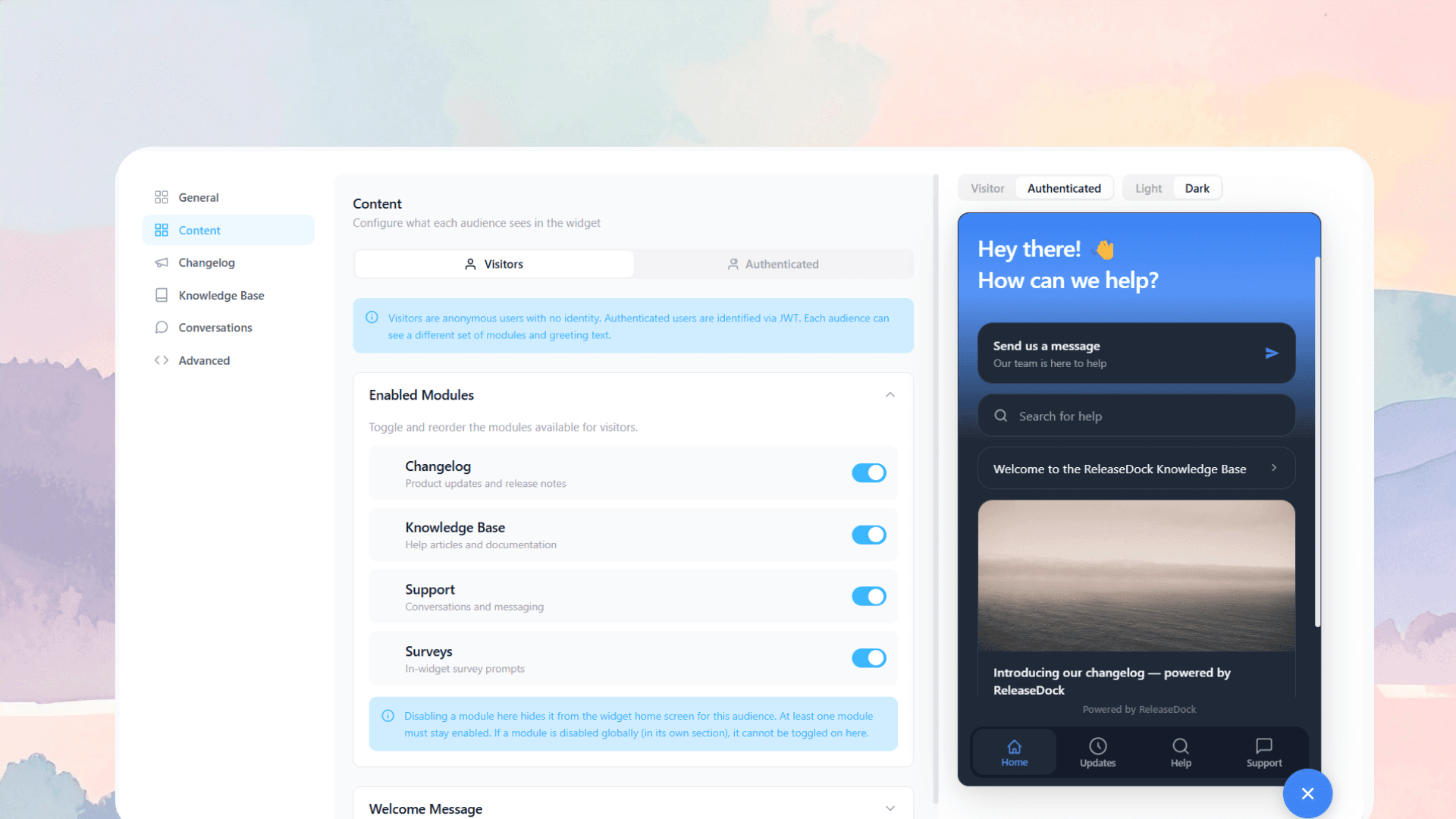
A changelog page nobody visits is a tree falling in an empty forest. Meet users where they are: an in-app widget, an email notification, an RSS feed, a Slack post.
The in-app widget is the highest-signal channel because users see it in context, right when they're using your product. Email is great for re-engaging dormant users. Use both.
7Make it two-way
The best changelogs aren't monologues. Let users react with emoji, leave comments, or reply to the email. This turns a broadcast into a conversation and gives you signal on what resonates.
Even simple emoji reactions (👍 🎉 ❤️) tell you which updates your users care about most. That data feeds back into your roadmap prioritization.
Putting it all together
A changelog that gets read isn't about fancy formatting or clever copywriting. It's about respecting your reader's time: lead with the benefit, use plain language, add a visual, categorize clearly, publish consistently, deliver it in-context, and invite feedback.
Do those seven things and your changelog stops being a chore nobody reads and starts being a trust-building, adoption-driving asset.
Ready to ship changelogs that get read?
ReleaseDock gives you a rich editor, in-app widget, email notifications, and analytics — all in one tool.