How to Build a Public Changelog Customers Will Actually Follow

How to Build a Public Changelog Customers Will Actually Follow
A public changelog is a branded, public page listing the notable changes to your product — new features, improvements, and fixes — written for users, not developers. Building one people actually follow takes four things: a home on your own domain, scannable entries framed around user benefits, a steady publishing cadence, and an easy way to subscribe. With the right tool you can launch one with no code in minutes.
What a public changelog is — and why it earns its keep
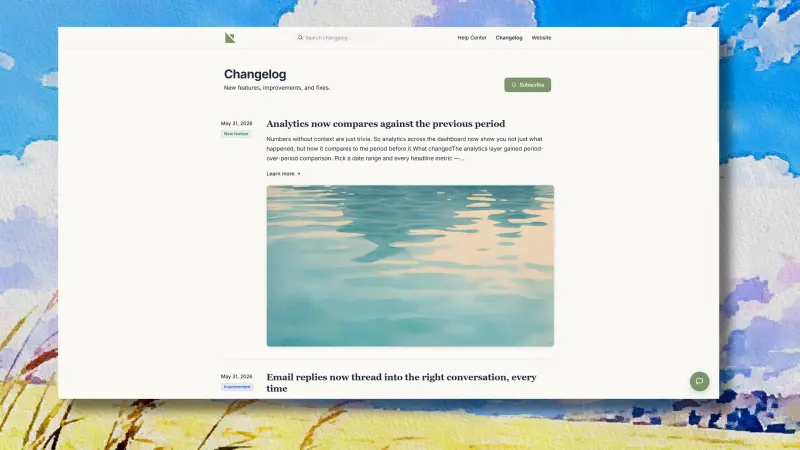
At its simplest, a changelog is a running, reverse-chronological record of what you've shipped. The mistake most teams make is treating it as a developer's scratchpad — a dump of commit messages — rather than a communication tool aimed at users.
A public changelog done well does three jobs at once. It drives adoption: if a customer doesn't know you shipped a feature, that feature might as well not exist, and the problem is bigger than it sounds — Pendo found that 80% of features in the average product are rarely or never used. It builds trust: a steady stream of visible updates signals a product that's alive and improving, which quietly reduces churn. And it doubles as a support and SEO asset: a searchable, indexable page of updates pulls in organic traffic and answers "did you add X yet?" before it becomes a ticket.
What goes in it (and what doesn't)
The content rule is simple: every entry is about what changed for the user. "Various bug fixes and performance improvements" is the canonical bad entry. A good one has three parts — a category label (New, Improved, Fixed), a title that states the outcome ("Reports now export to CSV"), and one to three sentences of plain-language context.
Leave out the internal noise: dependency bumps, refactors, and infrastructure work that no user will ever notice. If you want the full craft of writing the entries themselves, that's its own discipline — but the short version is to write the benefit, not the commit. Keep older entries forever; the archive is part of the value.
Step by step: build one that gets followed
1. Give it a home on your own domain. Host the changelog at something like yourproduct.com/changelog, not a generic vendor subdomain. Your domain builds trust and earns the SEO value; a subdomain hands that equity to someone else. Pair the standalone page with an in-app "What's New" surface so users see updates in context, where they're already working.
2. Structure for scanning. Use consistent category labels and short entries. Most people skim, so the title and label do the heavy lifting. A cover image on bigger releases helps the entry stand out.
3. Write for users, not commits. This is where most changelogs live or die — lead each entry with the outcome in plain language. (We covered the full craft of writing release notes in a separate guide.)
4. Publish on a cadence. A steady drip of smaller updates beats occasional giant announcements; it trains users to check and signals momentum. Scheduling entries ahead of time keeps the cadence even when you're heads-down shipping.
5. Let people subscribe. A changelog nobody returns to is a wasted asset. Offer email subscription so updates reach users who won't visit the page, and let them manage or opt out cleanly.
6. Make it discoverable. Link it from your app navigation, your marketing site near the blog, and product-update emails. Cross-link it with your help center so a user reading docs can see what's new, and vice versa.
Your changelog is becoming AI-readable
Here's the 2026 wrinkle. Your customers increasingly ask AI assistants — and your own in-app chat — "can I do X yet?" A public changelog published at a stable URL is something those assistants can read and answer from. That makes a clean, plain-language changelog do double duty: it informs humans and feeds machines.
This is concrete in ReleaseDock. Every changelog entry you publish is embedded into the same retrieval index as your knowledge base, so the in-product AI support agent can answer a customer's "did you ship X?" by surfacing the release note where you announced it — turning an update into a deflected ticket. The clearer you write the entry, the better it both reads and retrieves.
How ReleaseDock does this
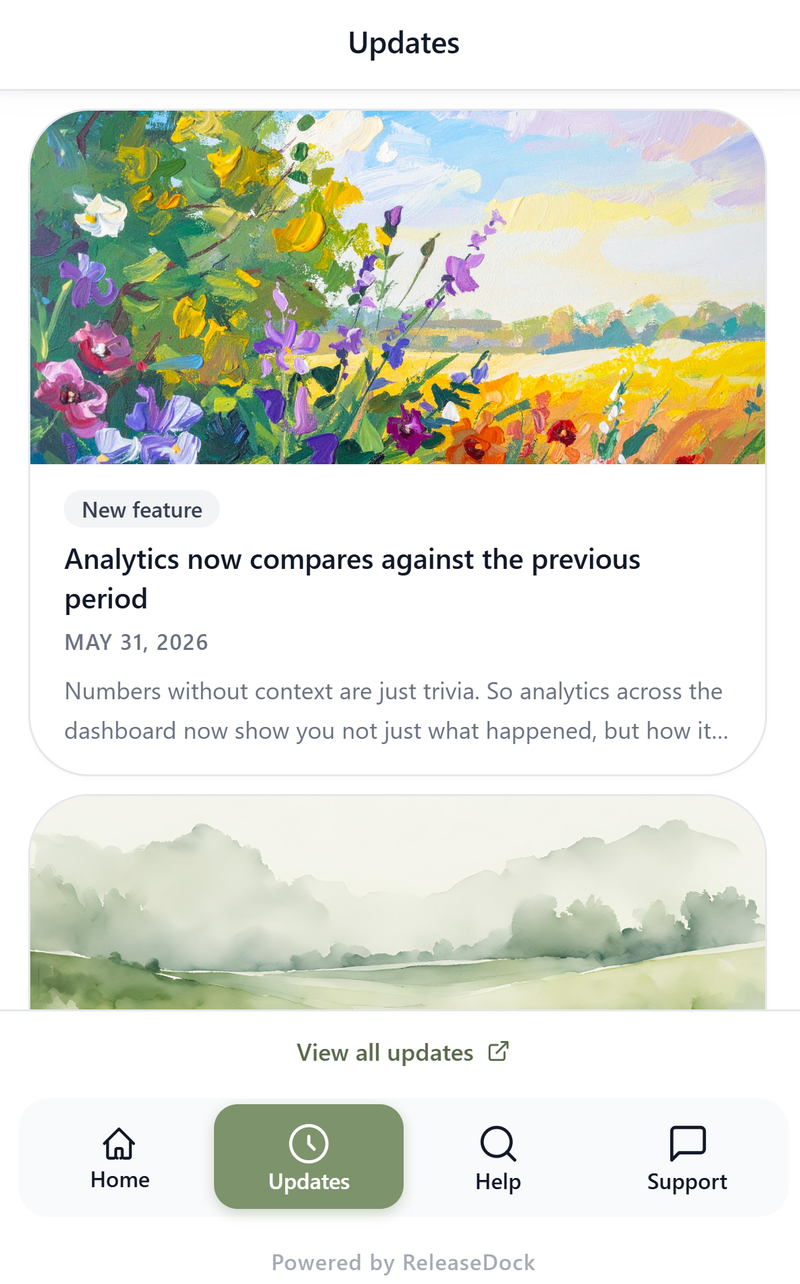
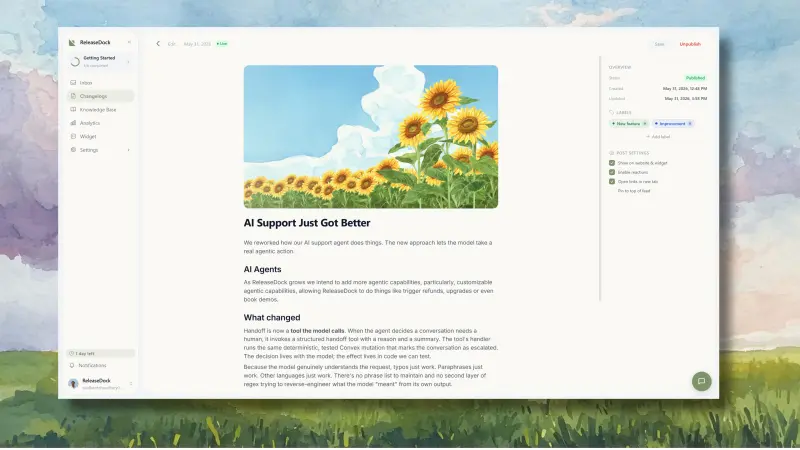
ReleaseDock is built to make the whole loop above a no-code, publish-once workflow. You write an entry in a rich editor with labels and a cover image, then it publishes to three places at once: a hosted, branded changelog page on your own custom domain, an in-app widget "Updates" feed, and opt-in email to your subscribers. A draft/preview/publish flow with a live preview lets you see exactly how an entry looks before it goes out, you can schedule entries ahead, and readers can react or subscribe — with clean preference and unsubscribe pages built in.
Because it's part of ReleaseDock's bundle, the changelog sits in the same widget as your knowledge base, support inbox, and AI agent — so the same updates that inform users also feed the AI that deflects support questions. Pricing is a one-time founding-member Lifetime Deal: $149 once for one of 200 launch spots, after which the deal is gone for good and ReleaseDock moves to standard recurring pricing.
Two honest limits: ReleaseDock doesn't auto-generate entries from your commit history (we think the human translation from "what we built" to "what it does for you" is the point), and it doesn't do multi-language changelogs — if either is a hard requirement, a commit-automation or localization-focused tool will fit better.